
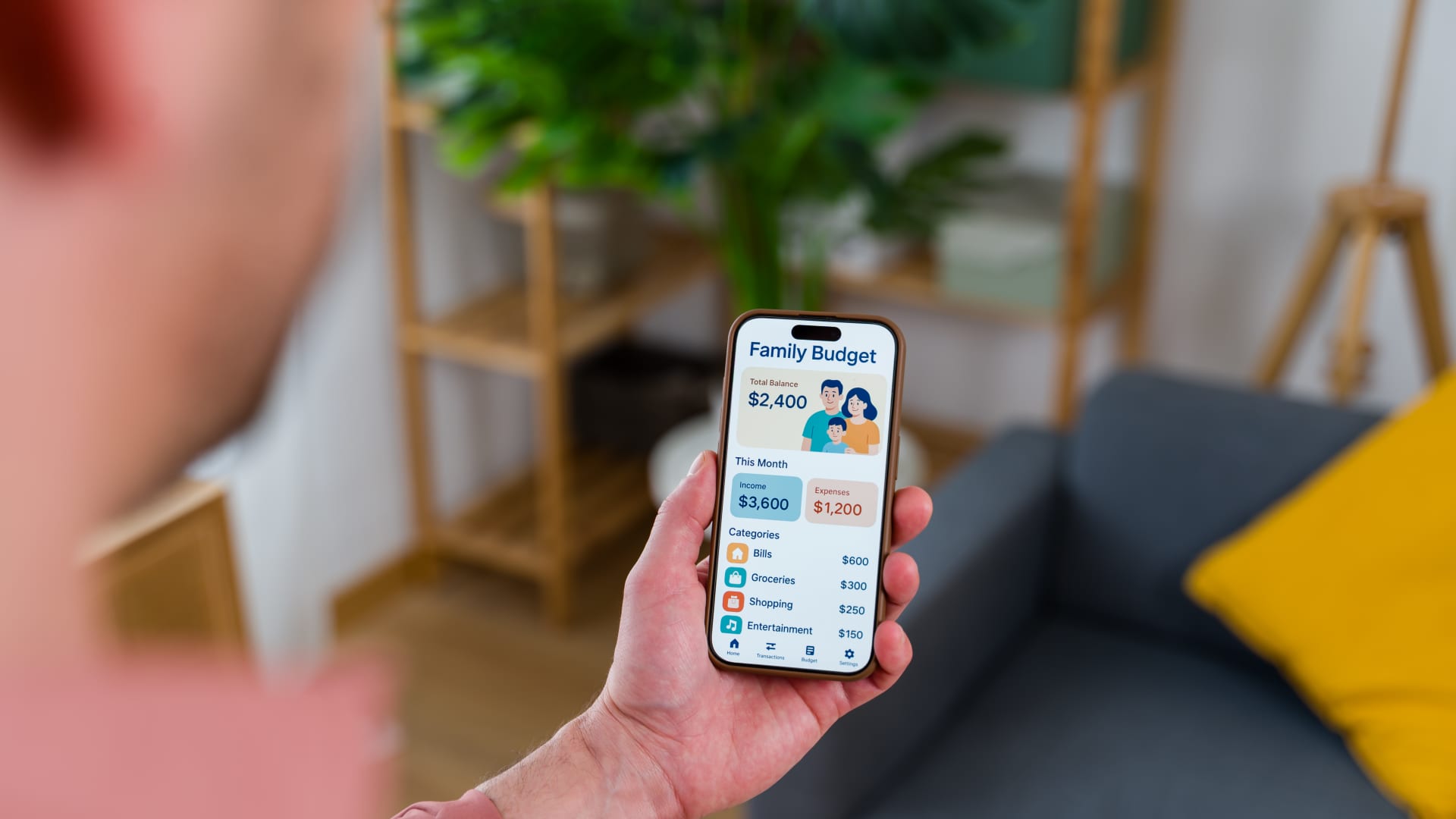
Living paycheck to paycheck can mean a lot of things, whether it’s a sign that you’re stretched too thin or a signal that you’re spending with no direction. Whatever the case, you’re not alone. According to an April CNBC affordability survey, 59% of Americans say they’re there.
While a budgeting app won’t change your cash inflow, it can change what you do with that money. Some apps tell you how much you can spend today, while others help you plan before you spend it all. Here’s a look at the best budgeting apps for anyone trying to get more control over how they’re spending each paycheck.
Budgeting apps at a glance:
Best budgeting app to account for every dollar
Most budgeting apps tell you where your money went, but You Need A Budget (YNAB) asks you to decide where each dollar is going before you spend it. Its zero-based approach, which is built around the idea that every dollar should have a purpose, is designed to close the gap between what you earn and what you actually have left over at the end of the month.
YNAB costs $14.99 a month or $109 a year, but you can try it free for 34 days with no credit card required. One subscription also covers up to six people so families, couples or roommates can split the cost.
You Need a Budget (YNAB)
-
Cost
$14.99 per month or $109 per year ($9.08 per month). Users get 34-day free trial (College students get 12 months free)
-
Standout features
-
Categorizes your expenses
-
Links to accounts
Yes, bank and credit cards
-
Availability
Offered in both the App Store (for iOS) and on Google Play (for Android)
-
Security features
Encrypted data, accredited data centers, third-party audits and more
Pros
- Offers a 34-day free trial (college students get 12 months free)
- Designed to help users pay off debts and break paycheck-to-paycheck cycle
- Syncs to bank accounts and credit cards
Cons
- One of the more expensive options, with no free version
- Set-up can be laborious
- No bill tracking orbill payfeature,
Best budgeting app to avoid overspending
If the problem isn’t a lack of planning, but instead battling with the moment you’re standing at checkout, wondering if you can actually afford something, PocketGuard is built for this.
Its “Leftover” calculation connects to your bank accounts and runs a real-time algorithm that subtracts upcoming bills, savings commitments and recurring expenses from your available balance, showing you what you can actually spend today without consequence. And that number updates as you go. The “Pace” feature also takes it further by comparing your current spending rate against your remaining budget and days left in the month so you get a warning before you’ve done real damage. PocketGuard Premium runs $12.99 a month or $74.99 a year, with a seven-day free trial.
PocketGuard
Information about PocketGuard has been collected independently by CNBC Select and has not been reviewed or provided by PocketGuard prior to publication.
-
Cost
Basic PocketGuard plan is free. PocketGuard Premium is $12.99 per month or $74.99 ($6.99/month) annually. Lifetime membership available at a reduced rate.
-
Standout features
“In My Pocket” uses your income, recurring expenses and savings goals to determine how much you have for everyday spending.
-
Categorizes your expenses
Yes, but users can customize
-
Links to accounts
Yes, users canconnect accounts through Plaid and Finicity or manually add cash accounts
-
Availability
Offered in both the App Store (for iOS) and on Google Play (for Android)
-
Security features
PocketGuard utilizes bank-level encryption, PINs and biometrics like Touch ID and Face ID.
Terms apply.
Pros
- Includes payment tracker and bill-negotiation service
- Lifetime membership option for additional savings
- A+ from Better Business Bureau
Cons
- Limited free tier, with users encouraged to upgrade to Premium for full functionality.
- Transactions may be categorized incorrectly
Best budgeting app to see everything in one place
Budgeting is easier when you’re not jumping between six different apps to figure out where things stand. Monarch pulls your bank accounts, credit cards, investments, loans and even your home’s estimated value into one dashboard, so your complete financial picture is visible in one place.
The app also includes cash-flow projections, an AI assistant and shared dashboards built specifically for couples. A monthly subscription costs $14.99, or $99.99 when you pay annually. There’s a seven-day free trial.
Monarch
-
Standout features
Customizable transaction categories, net-worth tracker, investment portfolio tracking, financial forecasting
-
Cost
$8.33/month (billed $99.99 annually); $14.99/month (billed monthly). Get 50% off your first year of Core Plan with code CNBC50
-
Categorizes your expenses
Yes, but users can modify
-
Links to accounts
Automatically syncs with bank accounts, credit cards, loans, retirement plans, investments and more at over 13,000 institutions
-
Availability
Offered for both iOS and Android. Web version also available
-
Security features
Maintaining only read-only access, Monarch utilizes AES 256-bit encryption and multi-factor authentication. It is SOC2 Type 2 certified and syncs accounts via Plaid, MX and Finicity.
Pros
- Seven-day free trial
- Easy-to-navigate dashboard with fully customizable reports and visuals
- Connects with more than 13,000 financial institutions
- Couples or partners can budget together in collaboration mode (each with their own login at no extra cost)
- AI Assistant lets you ask questions about your finances
- Can track property value via Zillow
- Ad-free experience
- Consistent product updates with new features added regularly
Cons
- No free version
- Subscription is more expensive than competitors
- Investment tracking is solid for most users but lacks advanced tools like retirement modeling, fee analysis or Monte Carlo simulations
- Recommendations in the “advice” tab are generic
- No undo feature when reallocating money across budget categories
Best budgeting app for cash stuffing
Goodbudget brings the cash stuffing method to your phone by offering digital envelopes. The free tier supports 10 regular envelopes, which is sufficient for simple budgeting, and the premium plan, at $10 a month or $80 annually, allows unlimited envelopes for those who want more detailed categorization.
Unlike automated apps, Goodbudget requires manual entry of transactions, which some may see as a drawback but others may see as a benefit, since it creates forced spending awareness. If you’ve tried set-it-and-forget-it apps and found yourself ignoring them by week two, the friction of logging each purchase might actually be what makes the difference.
Goodbudget
-
Cost
Free for 20 total envelopes, $10/month (or $80/year) for unlimited envelopes
-
Standout features
Allows couples to track debt and use a digital “envelope” system to budget funds
-
Categorizes your expenses
Yes, but free users must manually input transactions
-
Links to accounts
No, users must manually input purchases and transactions
-
Availability
Offered in both the App Store (for iOS) and on Google Play (for Android) and for desktop
-
Security features
Information is protected using bank-grade 256-bit SSL
Pros
- Free tier available
- Can share budget and spending with a partner in real time across multiple devices
- Digital envelopes help couples and households stay aligned on spending goals
- Offers money management courses and educational resources
- Available on iOS, Android and desktop
Cons
- Free tier doesn’t sync with bank accounts (all transactions must be entered manually)
- No bill-paying or investment-tracking features
Best free budgeting app
Not everyone is ready to pay for a budgeting app, especially when money is already tight. Empower’s Personal Dashboard is completely free and connects all your financial accounts in one hub, including bank accounts, credit cards, investments, loans and retirement accounts. This gives users a real-time view of their cash flow and net worth without having to pay for a subscription.
The dashboard experience and financial tools are completely free and take just a few minutes to set up. The trade-off is that the budgeting features are more basic than what you’d find in paid alternatives. But if you’re starting from scratch and need something free that actually works, it’s a strong place to begin.
Empower
-
Cost
App is free, but users have option to add investment management services for a fee
-
Standout features
A budgeting app and investment tool that tracks both your spending and your wealth
-
Categorizes your expenses
Yes, but users can modify
-
Links to accounts
Yes, bank and credit cards, as well as IRAs, 401(k)s, mortgages and loans
-
Availability
Offered in both the App Store (for iOS) and on Google Play (for Android)
-
Security features
Data encryption, fraud protection and strong user authentication
Pros
- Free to use
- Includes money-tracking dashboard, plus a net-worth tracker
- Syncs to your bank and credit cards as well as other financial accounts
- The Currency blog offers financial planning tips
- Security features include data encryption, fraud protection and strong user authentication
Cons
- Budgeting features aren’t as comprehensive as other apps
- Investment management services come with cost
Subscribe to the CNBC Select Newsletter!
Money matters —so make the most of it. Get expert tips, strategies, news and everything else you need to maximize your money, right to your inbox.Sign up here.
Why trust CNBC Select?
AtCNBC Select, our mission is to provide our readers with high-quality service journalism and comprehensive consumer advice so they can make informed decisions with their money. Every budgeting article is based on rigorous reporting by our team of expert writers and editors with extensive knowledge of personal finance products. While CNBC Select earns a commission from affiliate partners on many offers and links, we create all our content without input from our commercial team or any outside third parties, and we pride ourselves on our journalistic standards and ethics.
Catch up on CNBC Select’s in-depth coverage ofcredit cards,bankingandmoney, and follow us onTikTok,Facebook,InstagramandXto stay up to date.
Editorial Note: Opinions, analyses, reviews or recommendations expressed in this article are those of the Select editorial staff’s alone, and have not been reviewed, approved or otherwise endorsed by any third party.
About The Author